Free for verified law enforcement
Temporary tag scanner for law enforcement
Point your phone at a paper tag. StreetSense reads it, checks it against the issuing state’s reference and shows you what doesn’t match, so you make the call with the reference in front of you. 50 states, with or without a subscription.
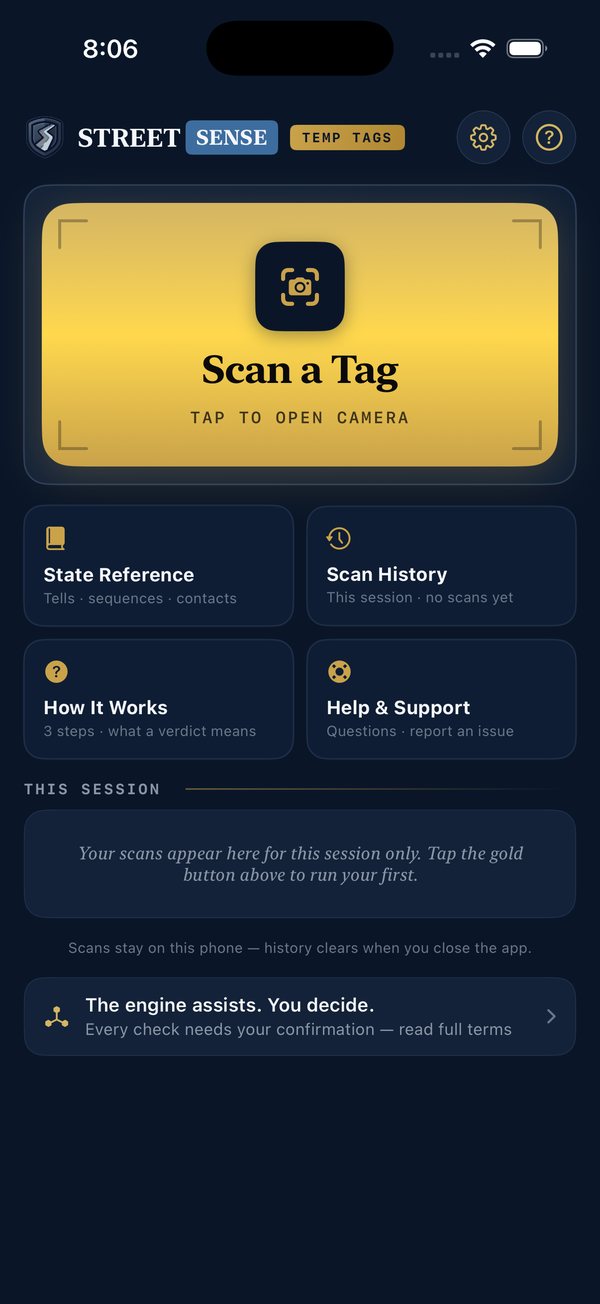
How it works
Scan the tag
On-device text recognition reads the tag, or you type it in by hand in a couple of seconds.
Checked against the state’s reference
The tag is compared with the issuing state’s reference, carried on the phone for all 50 states.
You see what flagged, and you decide
What didn’t match, next to the state’s tag types, officer notes, run-it guidance and who to call to verify.
What the reference covers
Tag format
Each state’s published tag format. A tag that doesn’t match is flagged for your review.
Dates
Issue and expiry, checked against the issuing state’s rules.
Known bad tags
Counterfeit patterns on file by state, kept in the reference data and updated with content releases.
The state’s own details
Tag types the state issues, officer notes, run-it guidance and the agency to verify through.
Scans stay on your phone, and the history clears when you close the app.
Free for verified law enforcement
Verify once in the app with your department email. The 50-state scanner works with or without a subscription.